


Just got a new iPod Shuffle and want to transfer the songs from your old iPod Shuffle to it. Or you lost all songs when your hard drive on your Mac die. If you come across such cases, you can use dr.fone - Phone Manager (iOS) to be your helper. This Mac app is an iPod Shuffle to Mac music transferring program that is designed to help you to export your songs to Mac fast and conveniently. Most attractively, the dr.fone is easy-to-use!
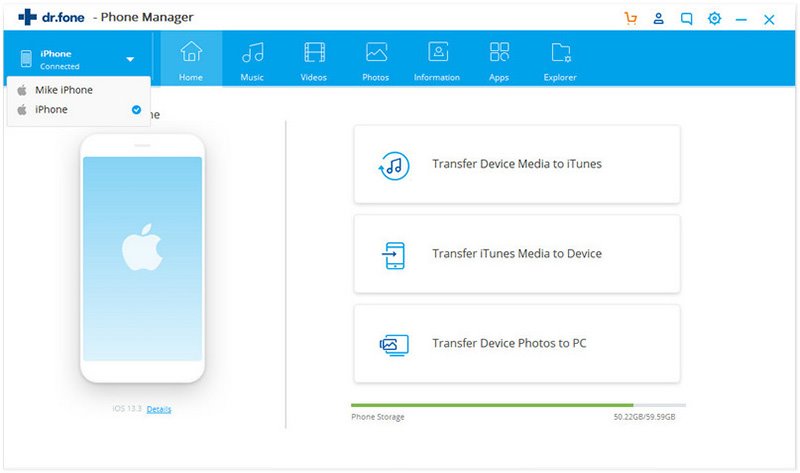
Step 1. Run dr.fone and then connect your iPod Shuffle to Mac
By doing this, you will see that the iPod Shuffle information shows on the main interface. And on the top of the main interface, there are Music, Videos and Photos tabs refer to the media files on your iPod Shuffle.
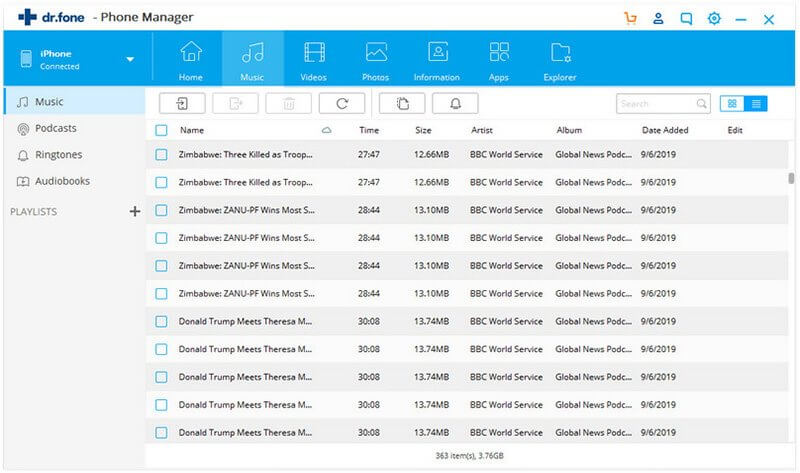
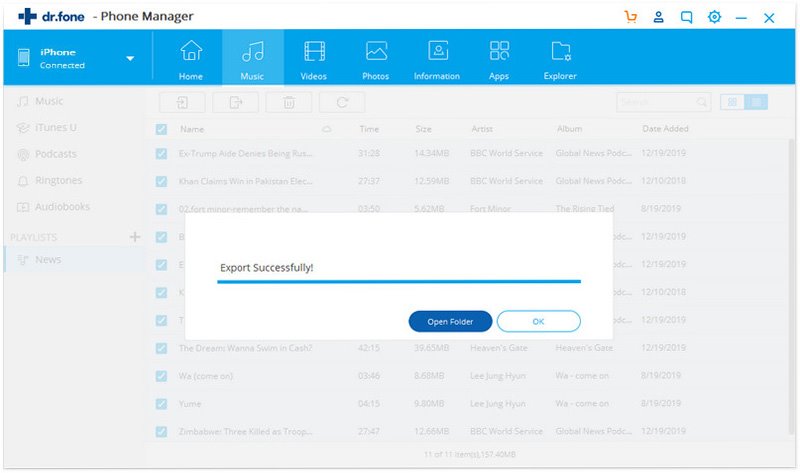
Now you can directly click the "Export Music to Mac" button at the top to transfer the songs to your Mac. This application can detect the difference on music between your iTunes and iPod Shuffle, and intelligently transfer only the missing songs to your Mac. Alternatively, you can click the "Music" tab and select the songs you want, and then click the "Export to Mac" to transfer iPod Shuffle songs to Mac.
If you want to copy music and videos from your iPod classic to iTunes library directly, you're supposed to click "Rebuild iTunes Library" tab in the main window. After clicking it, you can see the software will scan your iPod for media files, letting you select file types to transfer. Select wanted files and click "Start Transfering".