UniConverter New Version
One of the Best Video Toolbox to Convert, Compress, Download, Play, Edit Video.
For Windows 7 64-bit or later
For macOS 10.11 or later | Native Apple Silicon Support and Intel Support




High Speed
Why UniConverter ?

Convert Video
Superior video convertor with GPU acceleration

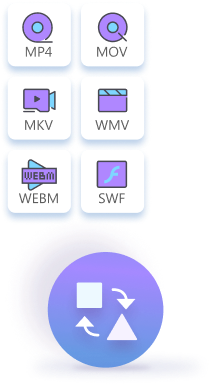
With up to 1000 formats supported

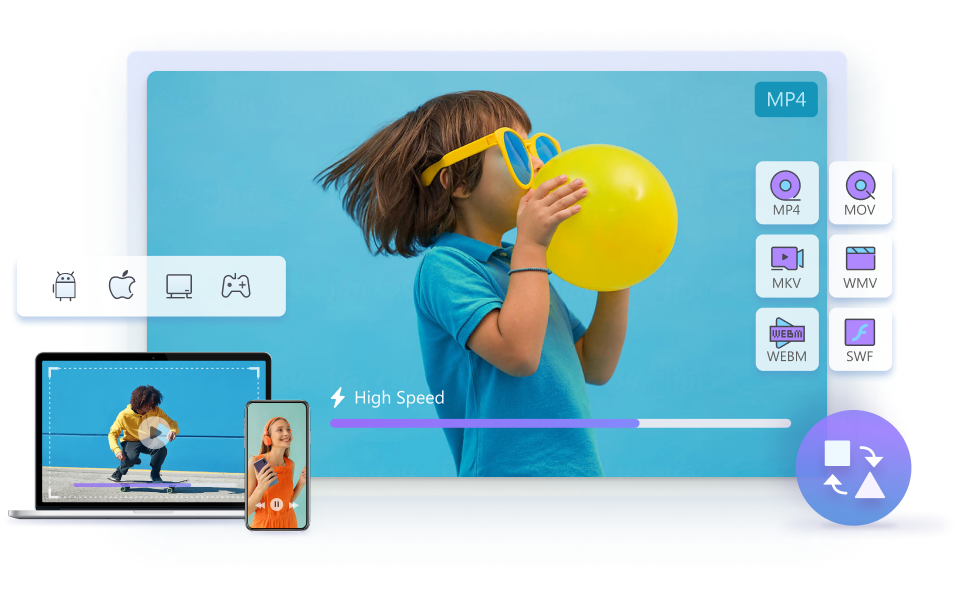
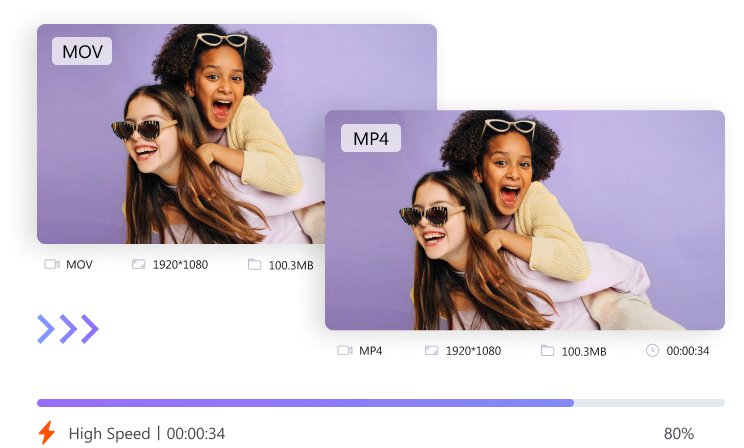
Support high-speed conversion

Convert videos for more than 10 kinds of devices

Convert multiple media files in batch
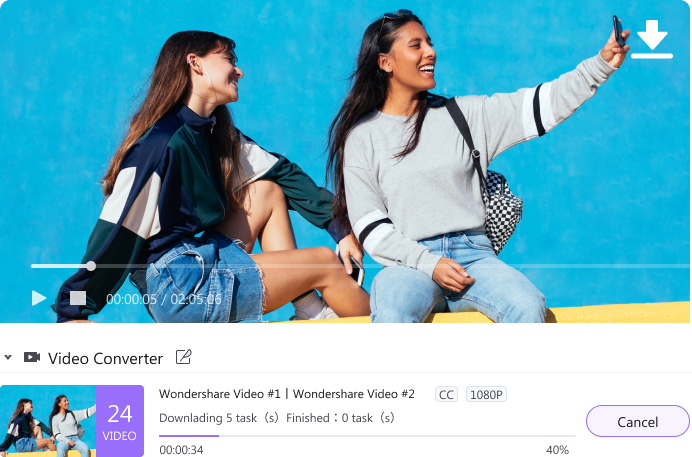

Download Video
Save Online media files with high speed

Download video from more than 10000 video and audio sites

Convert online videos to MP3 with just one click

Download the whole video playlist at once

Choose various formats you want the video be

Play Video
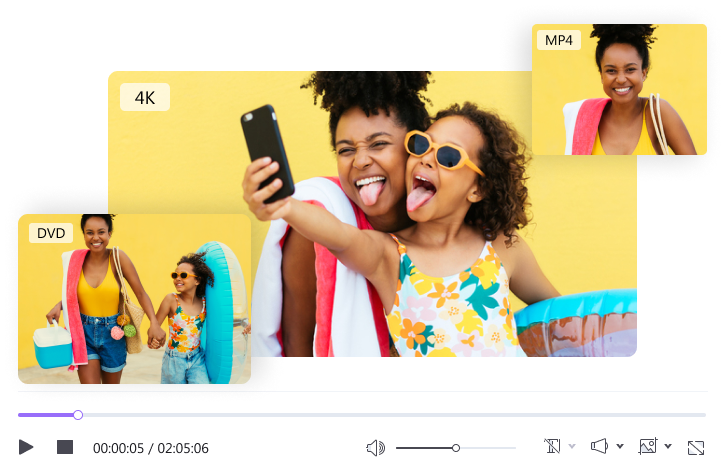
Play video and audio of any formats like MP4, MOV, M4V, WMV, FLV, M4A, AAC, M4R, etc.

Play HD, full HD & 4k video without stucks and crashes

Change playing speed and edit subtitles to video

Play DVDs smoothly

Play video/audio of various formats

Compress Video
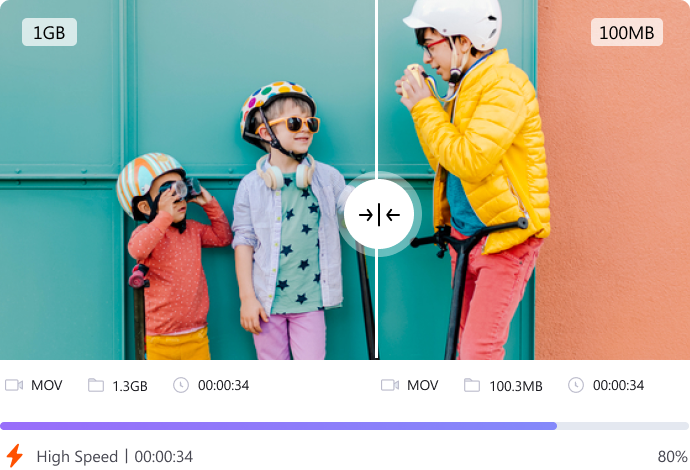
Customized and quick Compression

Batch Compression with high speed

Support 1000+ video & audio formats

Compress up to 8K videos with ease

Preview videos or audio before compressing them

Record video
Efficient and multifunctional recorder

Record online lessons, games, live shows, and other activities.

Adjust the screen size as you like.

Record webcam with customized settings

Record audio with ease

Additional Functions
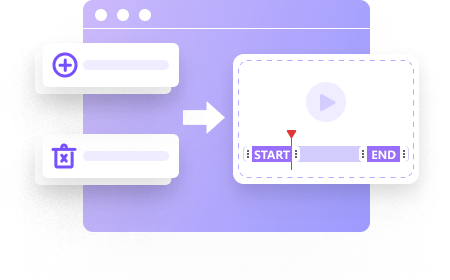
Add or remove the beginning and end of your video batch.
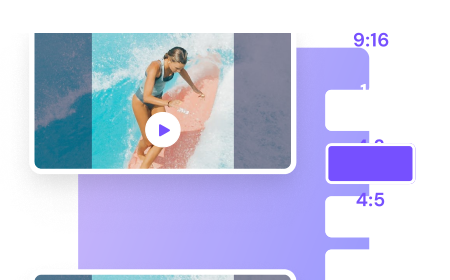
Auto identifies video actions and reframes video for YouTube and other social platforms.
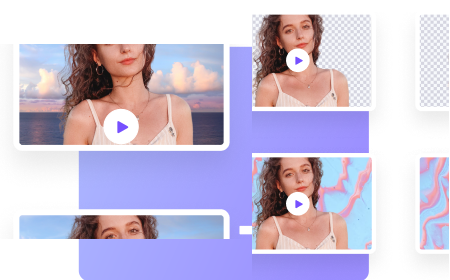
Separate video portraits with artificial intelligence and switch background.
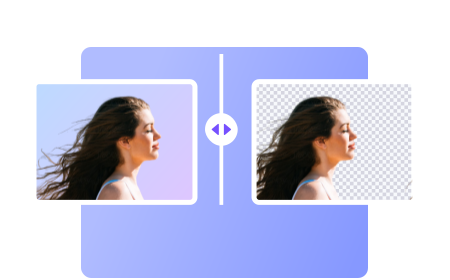
Remove the image background automatically with artificial intelligence.
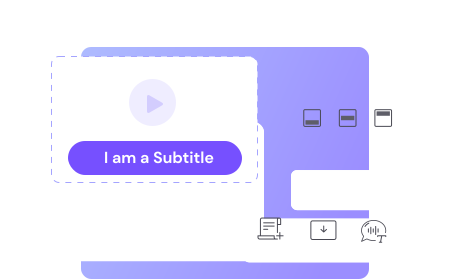
Create custom subtitles, or download and modify subtitle files (font, color, size).

Automatically trim your videos and make video editing easy and time-free.
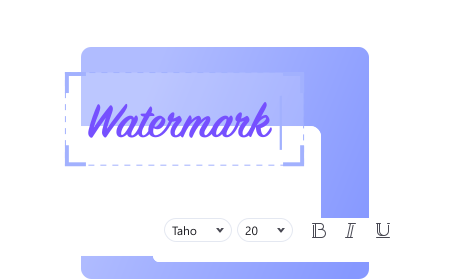
Add or remove image and text watermarks from your videos.
Toolbox

Burn Video
Convert Files to DVD with easy steps and edit them with multiple options

VR Converter
Convert videos for different VR devices

Image Converter
Convert multiple images to other formats like PNG, JPG, BMP.

GIF Maker
Create funny GIFs from the videos or photos you like

Meta Data
Fix the a variety of media metadata of files

CD Burner
Burn your music to CD
They Trust UniConverter


Uniconverter can convert the clips 30 times faster as compared to other similar apps available in the market today.


The Wondershare UniConverter has fantastic features within a simple and stylish interface.

Whether you’re using it for personal purposes or commercial distributions, Wondershare UniConverter is the best video converter for most users.
Tips and Tricks
UniConverter
Your complete video toolbox