
Meet Filmora, creative video editing platform for
every creator to make unique stories easily.
Filmora
A creative video editing platform for all creators!
Filmstock
A one-stop shop for royalty-free music & video effects, templates, stock media, etc.

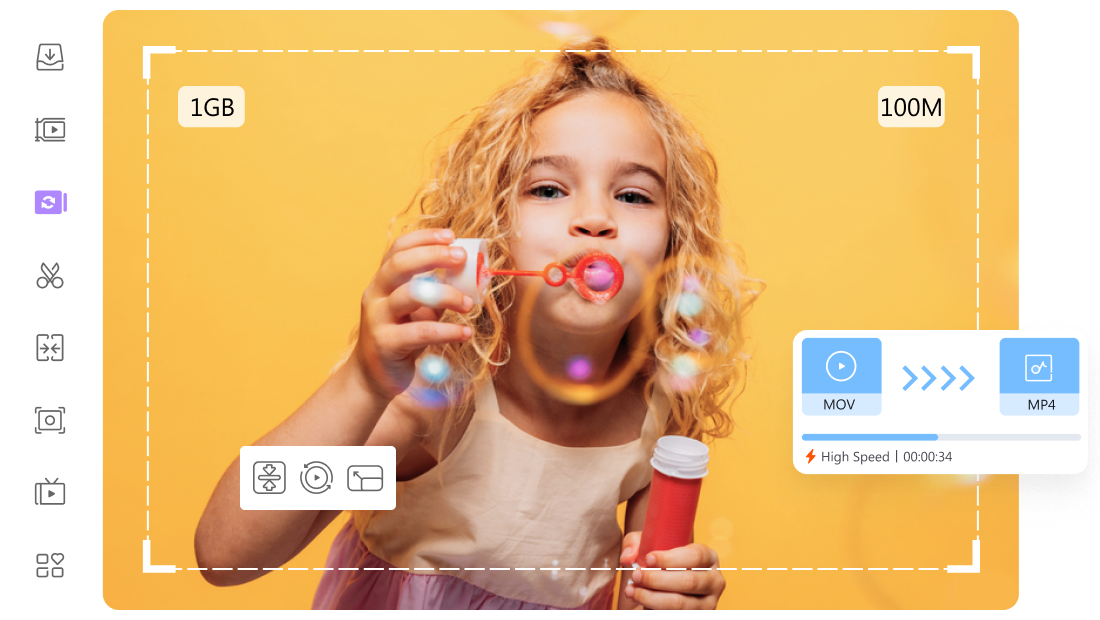
UniConverter
A versatile toolbox to help you access, convert, compress, and edit videos.
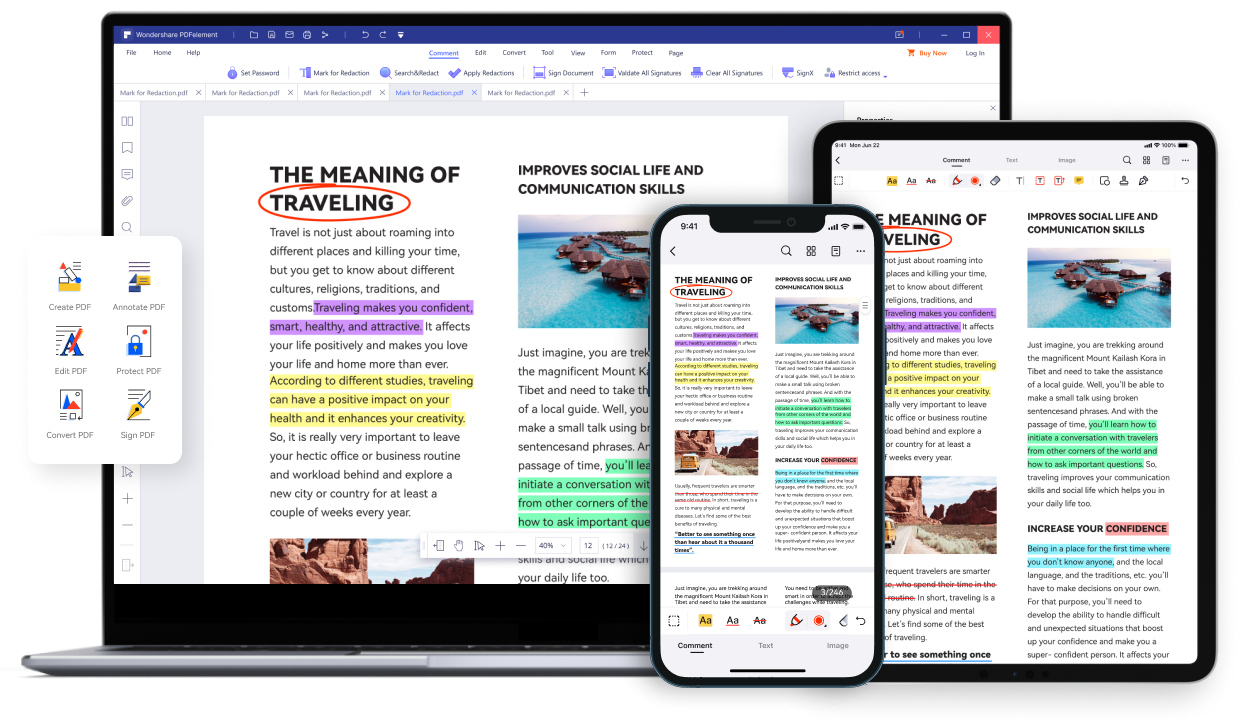
PDFelement
It's never been easier to edit, convert, create, secure, sign, or share your PDFs.
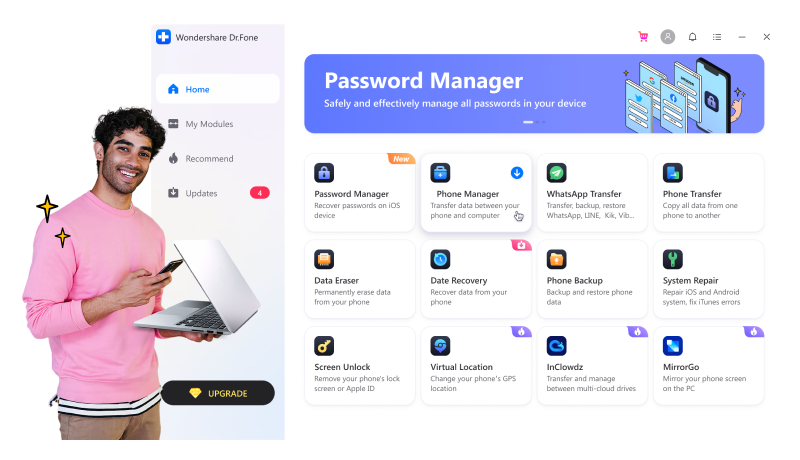
Dr.Fone
An all-in-one data solution for iOS and Android, keeping your mobile at 100%.
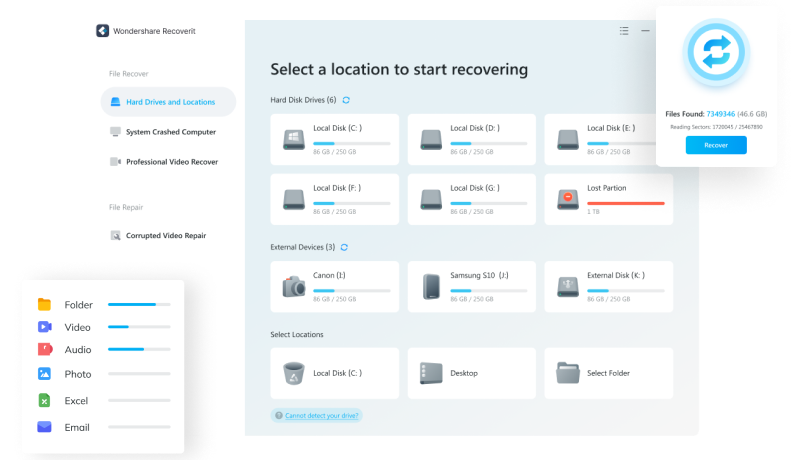
Recoverit
Recover all types of lost/deleted data from any disaster on PC/Mac!
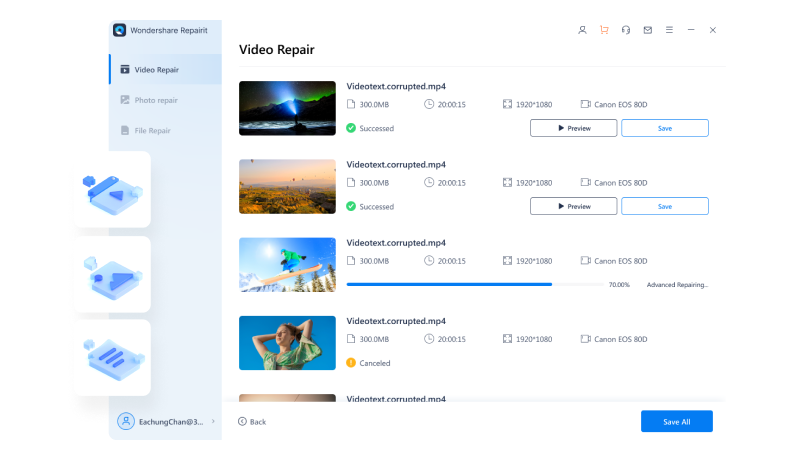
Repairit
Repair damaged videos & photos & files with all levels of corruptions.
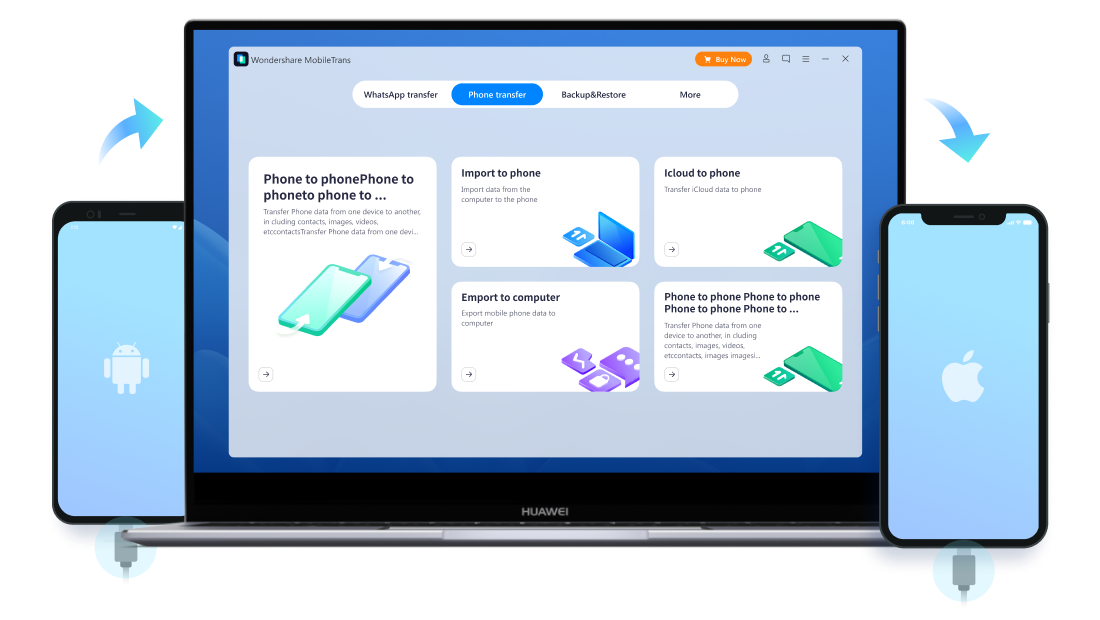
MobileTrans
Transfer, backup and restore all types of data between phones.
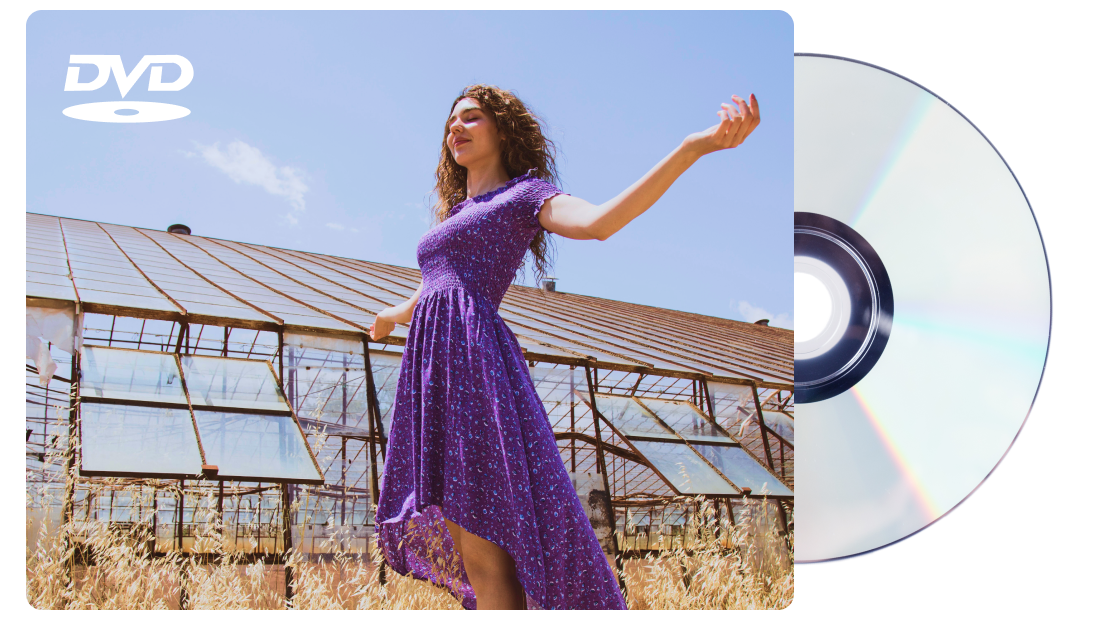
DVD Creator
An awesome DVD toolbox to help you
create and edit DVDs.
create and edit DVDs.
Why Choose iSkysoft
30 Days Refund Guarantee
Online Customer Support
Secure Payment
Safe Download
20 Years Experience
100 Millions Users
Article Center


Game Video Editing Skills
This article will teach you how to make creative and cool game videos.
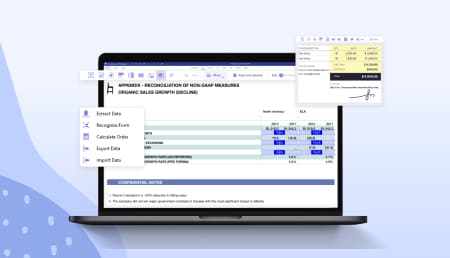
Create an Editable PDF Form
Through this article, you can get a detailed guide about creating editable PDF forms.

Tips for Better Digital Learning
Learn how to increase your productivity in digital learning.

Music Lover Club
Here are some tips helping you access, save, and share your loved music.
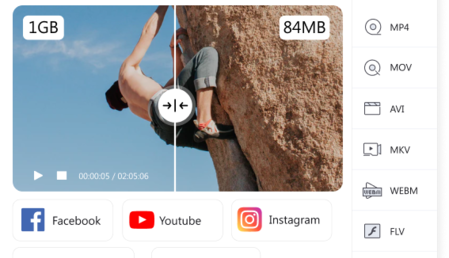
All Things About Compressing
This article provides you with the right way to compress large video files.

Fix iPhone Black Screen
iPhone stuck in black screen? Fix black screen on iPhone with proven ways.
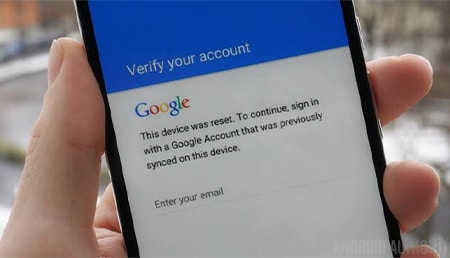
Remove Lock Screen
With easy clicks, dr.fone supports to turn off lock screen without passcode.
Media Reviews

Filmora is a top-notch video editing software that takes care of most of your video editing needs at once. With the service, you will be able to seamlessly edit and adjust videos to transform them from crude and barely watchable to professional grade.

Many experts and highly skilled people can create all of these from scratch. But I am neither an expert nor highly skilled, what I am is a go-getter, who wants things done in a streamlined way. And Filmstock allows me to do just that.

With Filmora, you can get a full editor and features like a magnetic timeline, music, and effects. The product comes with all the high-level tools you need to edit and create videos.
User Comments

Morris
Online teacher
My work got a lot easier with UniConverter. I've used it for months to record my lectures.
It can also help me trim some silent pieces and change my video background. So handy!

Joseph
Retiree
I've got some TS clips and want to convert them to MP4, and I've searched many converters that might help me but had no success till I found UniConverter.
It converts video with high speed. So amazing! Now I can play the video on all devices, not only DVD player!

Cassie
Vlogger
Filmora has come so far from the 6 versions I used to use.
Really benefiting for beginners and fast editing.

Isabella
Marketer
My overall experience with Filmora is too good. After using this software I cannot switch to any other one.

Jone
Project Manager
I'm PDFelement user, it's installed easily and the user interface is clear. You can find the necessary function at one.

Marry
Educator
Top Software! I can easily create, edit and convert PDF through it.It goes very well with PDF files.

Jeramiah
Engineer
Lock screen removed. it simply cleared my lock screen in just a couple of minutes, and all data preserved. good job!

Zoey
Teacher
Recovered data successfully! did a great job down there recovering my important data out of my memory card, thank you so much!

Kisia
Graphic Designer
I formatted my external disk without noticing important photos were there. Recoverit Data Recovery recovers all data back from this formatted drive.

Jessica
Accountant
My essential work file got deleted without any backup from Windows due to "Shift + Delete", but iSkysoft helped me to recover it. Thanks!

Samantha
Professional Videographer
My 3GP file got severely corrupted, and I can't find any way to repair it. But a friend of mine suggested this software, and it works well.

Amelia
Lawyer
The colors of my family photos get damaged. Thanks to Repairit software, I can restore the photos and regain the precious memory.

Zack
Student
I was really struggling to restore my chats from local backup and followed all protocols on whatsapp faqs, but surprisingly the phone was not restoring from local backup. I was fed up and gave mobiletrans a try and bazzingaaa!

Evan
Sales Manager
Found and tried a couple different methods of data transfer before this one and none of them worked, but this one was fairly easy and was a perfect one. It's was easy if you have a lot of pictures and apps and video you be there a while so make sure your phone is charged fully.

iSkysoft.com is an authorized reseller of Wondershare.
All warranty and software update policies are the same. We provide exclusive special prices
once in a while. Enjoy shopping!
All warranty and software update policies are the same. We provide exclusive special prices
once in a while. Enjoy shopping!