


- Part 1: How to put the torrent videos to iPad, iPod, iPhone, etc.
- Part 2: What is torrent?
- Part 3: How to download torrent video to computer
- Part 4: Top 30 torrent sites and iPod torrent sites
Part 1: How to put the torrent videos to iPad, iPod, iPhone, etc.
After you finish downloading the torrent (Video, Song what ever it is) you might need to use winrar or winzip if it is compressed then put it on your iPod (new iPods included). To sync the downloaded torrent videos to iPod, iPhone or iPad, you can use the handle transfer tool dr.fone for Mac . dr.fone allows you to transfer almost all videos in any format to iPod. When iPod incompatible Videos are detected, the software will tell you to convert them. You just need to click the Convert button to let the software do the conversion and transfer for you.
Note: dr.fone is fully compatible with Mac OS 10.12 Sierra, Mac OS X 10.11, El Capitan and the latest iOS 11.
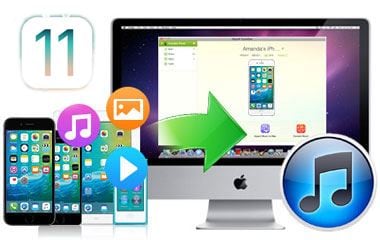
This transfer application allows you to sync videos, movies, music, playlists and more files to your iDevice in just a few clicks. And it can automatically detect the file format, and then convert it to your iDevice compatible format. With its help you can enjoy any downloaded torrent videos on your iPod, iPhone, iPad without any hassle. Only three steps to put torrent videos to iPod.
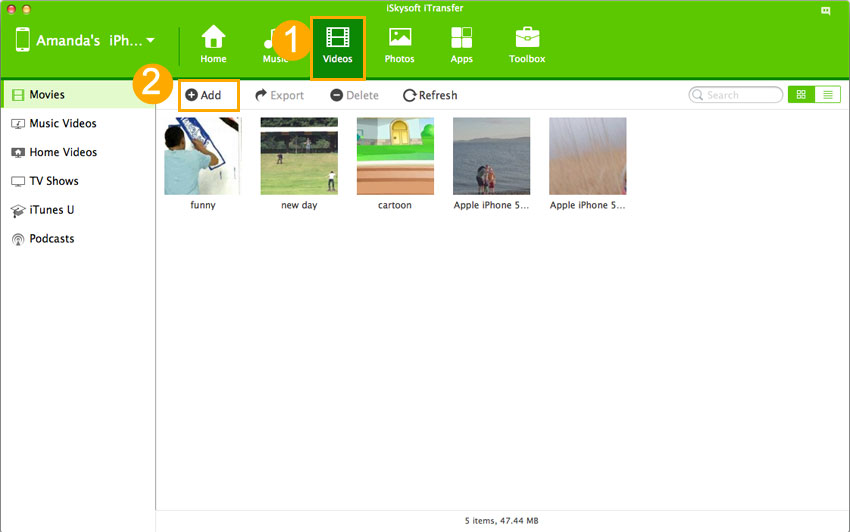
Step 1: Connect iPod to your computer and launch dr.fone.
Step 2: Open the "Videos" tab, and click the "Add" button
Step 3: Choose the torrent files and import them to your iPod.
Part 2: What is torrent?
Torrent, a small file with the suffix .torrent, contains all the needed information to download a file the torrent was made for. That's to say, it contains file names, their sizes, where to download from etc. You can get torrents for almost anything on lots of web sites and torrent search engines. It is a hot way to download large files on Torrent, including movies, even games (remember legality of downloading).
Part 3: How to download torrent video to computer
Downloading with a torrent is actually very simple. You just need a torrent client rightly setted. Then you can open the torrent file inside your client, set a place where the desired files are in and then wait till the file's downloaded.
Here are some free torrent clients:
1. BitTorrent
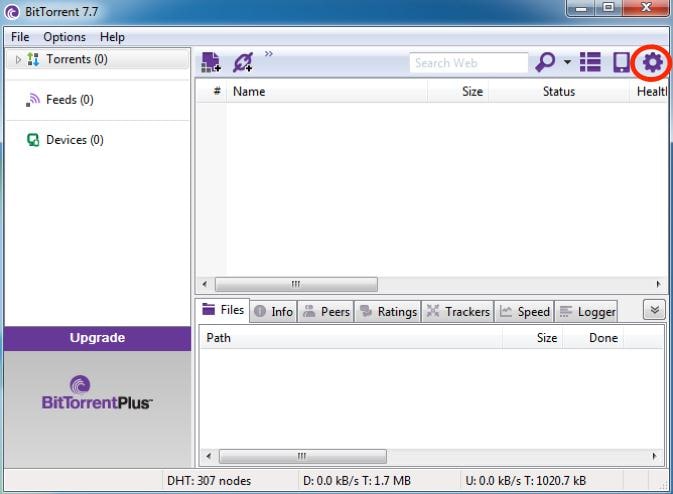
A BitTorrent client is a program that manages torrent downloads and uploads using the BitTorrent protocol. BitTorrent is the global standard for accessing rich media over the Internet. It supports Windows, Mac, and Linux.
2. µTorrent (uTorrent)
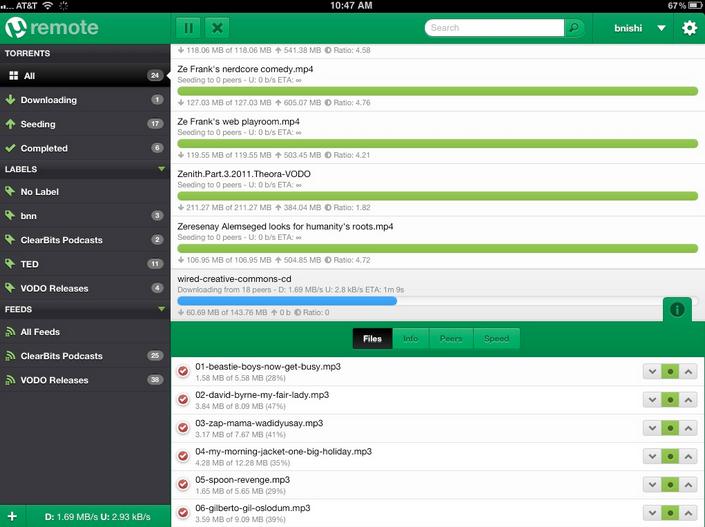
µTorrent (uTorrent) is a free BitTorrent client for Microsoft Windows written in C++ and localized for many different languages. It is designed to use minimal computer resources while offering functionality comparable to larger BitTorrent clients such as Azureus or BitComet. The program has received consistently good reviews for its feature set, performance, stability, and support for older hardware and versions of Windows (For Wine, Windows 95 (Winsock2), 98/ME, NT/2000, XP, 2003, and Vista).
3. BitLet
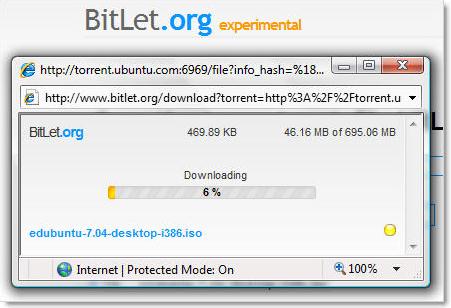
BitLet is a web-based Torrent client that can download a Torrent file for you if you provide it with the Torrent URL. The obvious benefits of doing this are:
(1) If you are using a computer that doesn't have a Torrent client installed
(2) You can point Torrent-challenged friends who can never figure out how to download torrents to this web service and it just may be the solution to their rare Torrent-downloading needs
(3) You can use it to download torrents in places (work, school) where p2p and/or Torrent clients are blocked.
Bitlet requires that your browsers has the JAVA VM plugin installed.
Part 4: Top 30 torrent sites and iPod torrent sites
Top 30 Torrent Sites:
| Torrentportal.com | Bitsoup | BiteNova | Torrentscan.com | LegalTorrents.com | Isohunt.com |
| Torrentspy.com | Torrents.to | Snarf It! | Torrentmatrix.com | Mininova.org | FileMP3.org |
| TorrentBytes.net | Torrentreactor.to | BTjunkie | TorrentTyphoon.com | Yotoshi.com | The Pirate Bay |
| TopTorrents | Scrapetorrent.com | Meganova.org | Torrent-damage.net | ByTorrents Meta Search | FullDLS.com |
| Thinktorrent.com | FileList.org | bittorrent.com | Fenopy (formerly Bitoogle.com) | BTbot.com | Special mention: Commonbits.com |
iPod torrent sites:
http://www.iPodnova.com/
http://www.elroyonline.com/
