


Sometimes you may accidentally lost iTunes music without having a backup, fortunately those music are still there on your iPod, iPhone or iPad. In order to assist you to recover the iTunes library and playlist, the article here shows you a step-by-step guide solution of syncing your iPod music to Mac/iTunes Libraryfor totally.
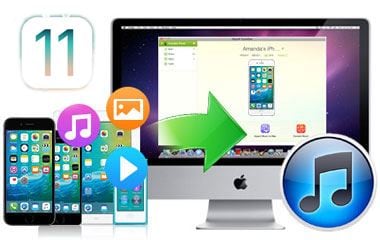
First of all, you of course need a professional helper which can easily copy media files from iOS devices to Mac. Here dr.fone - Phone Manager (iOS) is used for its excellent quality and considerate design. What's more important, the Mac app offers you an extremely easy way to backup music from iPod to Mac in only one click. Here it works:
- Intelligently copy all music from iPod to Mac
- One click to backup the entire iPod playlist to Mac
- Transfer specified iPod music with play counts and rating to Mac
- An idea transfer and files management tool for iPhone/iPod/iPad
Simple Steps to Transfer Music from iPod to Mac
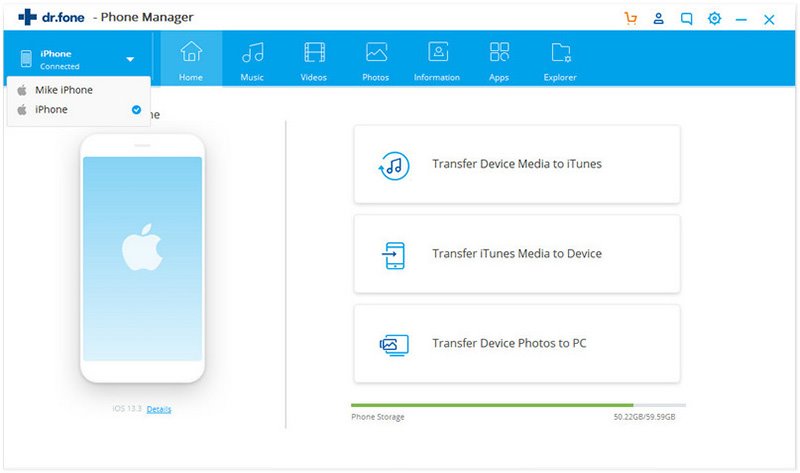
This Mac program allows you to manage multiple iOS devices and copy any iPod songs to your Mac if your local songs are from different devices like iPod, iPhone, iPad. After you connect your device to Mac and launch the program, you will directly see your device information in the main interface.
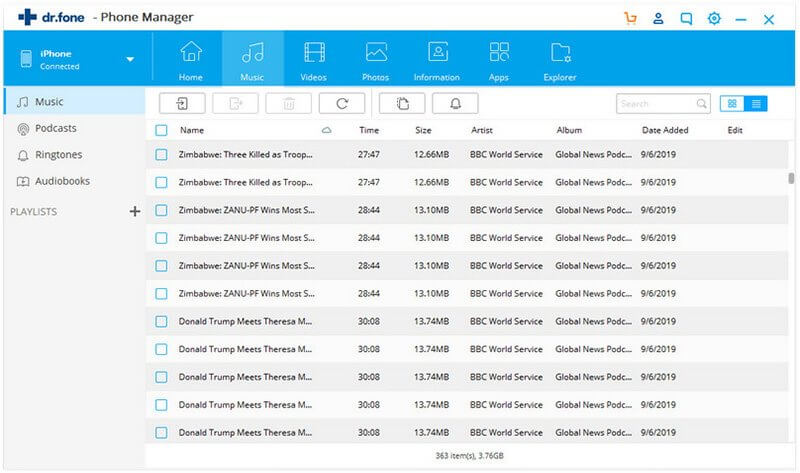
You can directly click the "Export Music to Mac" button at the top of the main interface. This smart application will intelligently transfer the missing songs to your Mac. Alternatively, you can click the "Music" menu and select the music you want, and then click the "Export to Mac" button on top of the primary window to start transferring.
In addition, the professional dr.fone application allows you to freely sync music from Mac to iPod/iPhone/iPad without iTunes if you are sick of iTunes. To learn more detailed features about dr.fone, you can go to the User Guide of dr.fone for Mac. By the way, this smart Mac app supports new Mac OS X 10.11 (El Capitan) and works on iMac, MacBook, MacBook Pro, MacBook Air.
If you want to backup more iPod contents like movies, photos back to Mac, you can go to: transfer videos from iPod to computer, photos from iPod to Mac for more information.