


iTunes has a plenty of resources to facilitate your music listening experience on iDevice like iPod, iPhone, or iPad. In case you do not feel at home with iTunes setup or features and even don’t want to pay a penny for music, there are numerous ways and music centers to download music without iTunes to iPod, iPhone or iPad. Here are the hints.
Part 1: Download Music without iTunes for iPhone, iPod, iPad
To make the process of downloading music to iPod, iPhone or iPad simply, iSkysoft dr.fone for Mac (or iSkysoft dr.fone) can be the great helper. This program allows you to download music without iTunes to iPod, iPhone, iPad. You do not need to worry about erasing contents of your devices. And both purchased and non-purchased music can be downloaded to your iDevice without any fuss.
iSkysoft dr.fone supports the latest iPad Pro, iPhone 7, iPhone 6s/6s Plus as well as former models. Now it is updated to be compatible with the latest iOS 10.
Why Choose iSkysoft dr.fone
Download music to iDevices
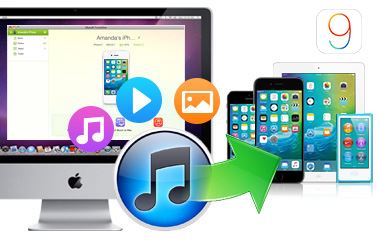
Safely download music without iTunes for iPod, iPhone and iPad without deleting contents.
Convert music for iDevices
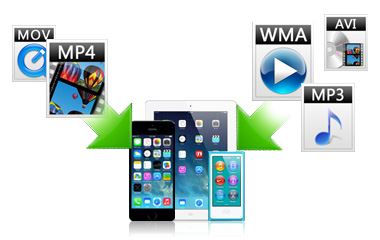
Automatically detect the music format and convert it to iPod, iPhone and iPad compatible format.
Manage iDevice contents
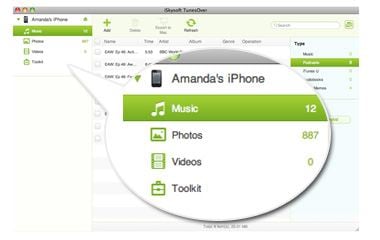
Add, delete or organize iDevice music, videos and photos.
Copy iDevice contents
Easily copy iDevice music, movies and all photos to iTunes or computer.
Steps to Download Music to iPod without iTunes
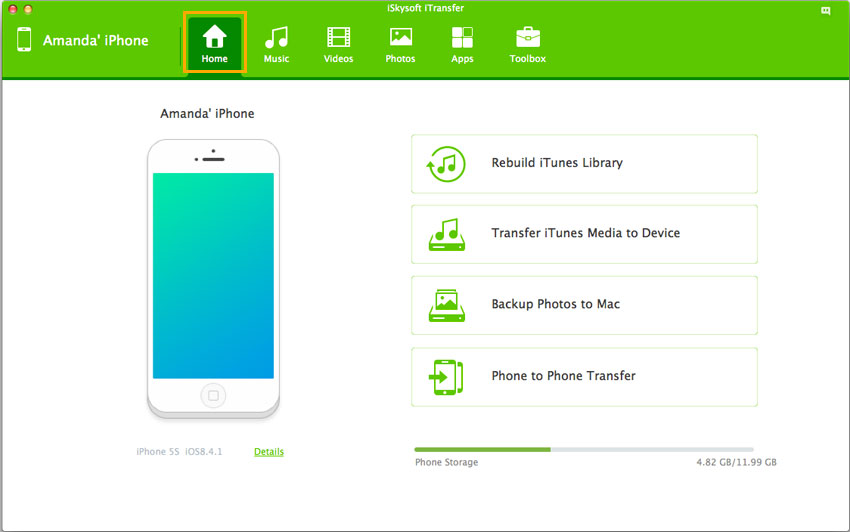
After install the program on your computer, launch the program. Then use a USB cable to connect iPod to computer. This iour device and show its information on the main interface.
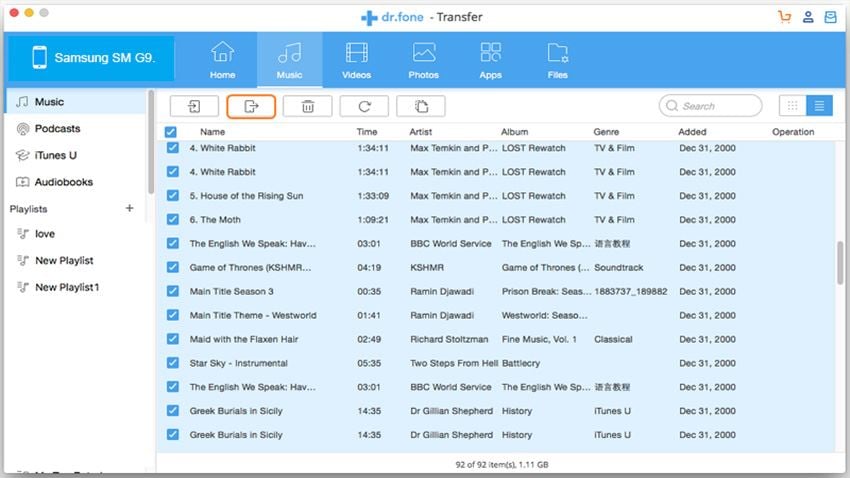
Click the Music tab to get into the music management window. You will see an "Add" icon. Click it and find file or folder on your computer to transfer music to your iPod.
Video Tutorial: Download Music to iPhone/iPod/iPad without iTunes
Part 2: Top 10 Free Sites to Download Music without iTunes
Downloading music is not just limited to iTunes and there is long list for the websites which offer free and fast downloading without taking a bite at your cash wallet. Some trustworthy websites to download music without iTunes are below mentioned:

• MP3.com
MP3.com is one of the best website to visit and download music without iTunes. There no hidden terms and conditions and this site does not need the visitor to have a compile of academia in computer sciences to get benefitted by its amazing offers.
All you need to do is to approach this site with the specific URL and write in the key phrase of the song, you are looking for, in the search bar and click the search button beside. With a blink of an eye you will be presented with the music file of your choice. Now your downloading is just at the distance of a single click.
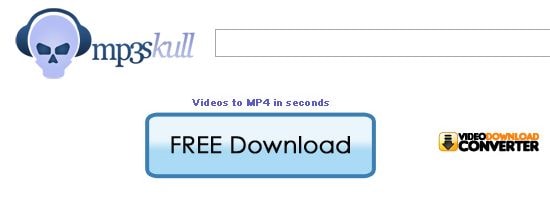
• MP3skull
MP3skull is surely the website you will be searching for to ease you downloading experience regarding the music, especially of the mp3 music format. This site is loaded with all the music, no matter its composition is rooted back in years or it belongs to the modern hip hop library.
This site is well known not just for its simple downloading offer but also for its huge collection of songs by all well acknowledged musicians and bands as well as from the emerging bands which are not usually signed in at various other websites serving for Music industry.

• Jamendo
Type Jamendo in the web address bar of your web browser and get astonished by the refreshing and enchanting webpage which is dedicate for the music lovers. Jamendo is much user-friendly than it sounds to be. Nothing to get panic about searching and downloading if your network is good enough to work efficiently then Jamendo is the right place to visit and get music without iTunes.

• Bandcamp
If you are looking for the latest arrival or the upcoming artists then to have a glance at Bandcapm becomes indispensible. This site with the trendy name and features is getting more popularity by every passing day. Here you can find free music and sometimes a fraction of cost is requested for some genre.
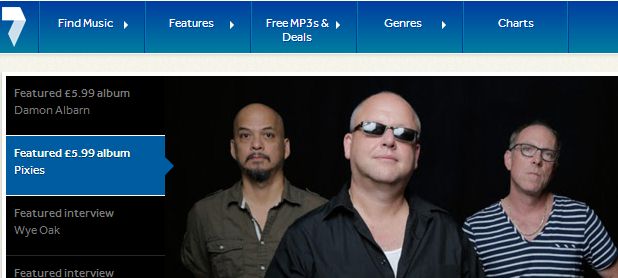
• 7digital
7 digital presents the free downloading facility on all the music categories like hip hop, classic, jazz, reggae, rock and a lot more. This website along with its free downloading offer is getting ever popular for its organized music library to make a selection from.
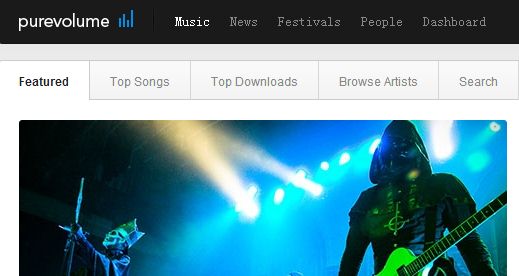
• Pure Volume
When it is about music and easy downloading then do not forget about this simple yet useful Pure Volume website. This website is also like some other trustworthy websites has a considerable music library. As it has an immense collection of songs on all genera and languages that why the fan following of this website is not limited to a particular territory.

• Noise Trade
Simple way to get searched your music as well as high speed error free downloading is a main feature of Noise Trade. In the present era the fame and reliability of Noise Trade is unquestionable. It would not be a wrong note to say that all you need is at hand with this amazing website.
• Free Music Archive
It is impossible that music lovers are not aware of this Free Music Archive website which is serving its valued visitors and users for last few years but it has got a distinguished place among the rest of the websites within no time. What makes it distinct is the free and quick downloading of the high quality music tracks for almost all singers. It is the highly recommended site to download music without iTunes.

• Epitonic
Epitomic is the site where the visitors get an easy access to the music of their choice along with the mentioned music band or musicians. Review at this site, about all music genre, also help you to get the better idea about the public say and acceptance for that particular melody.
• Soundcloud
Soundcloud is the perfect site for music lovers. Uninterrupted downloading without any charges and the accessibility of the music of all sorts makes the browsing and downloading experience more than a pleasure. Here is no compulsion of having a sophisticated download manager.