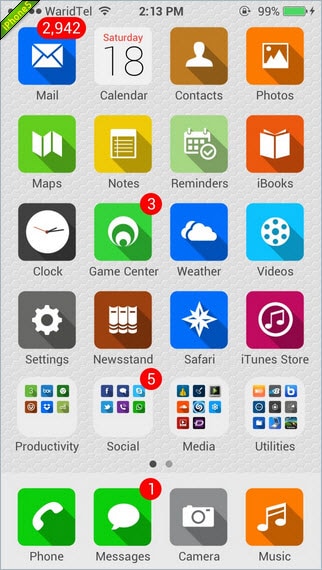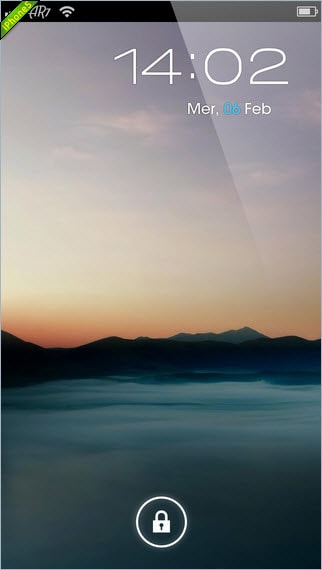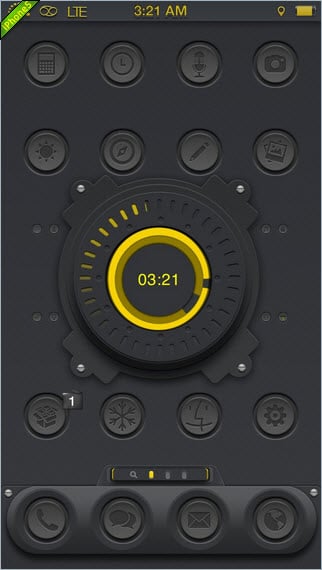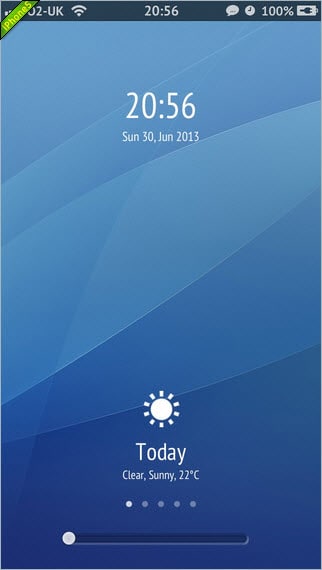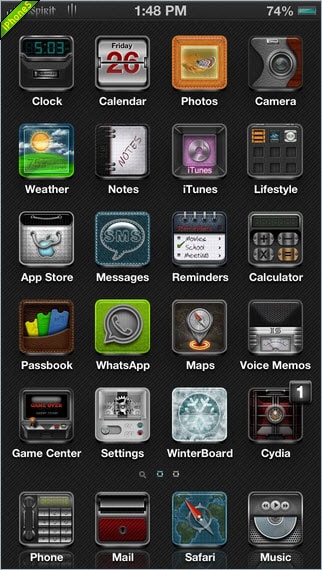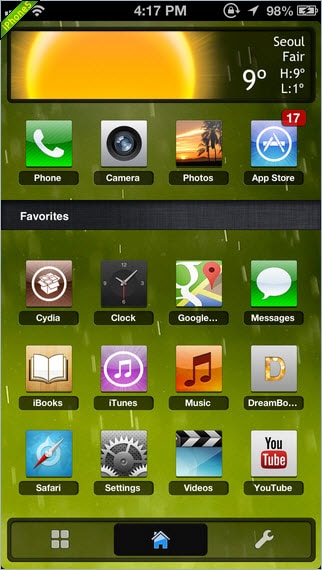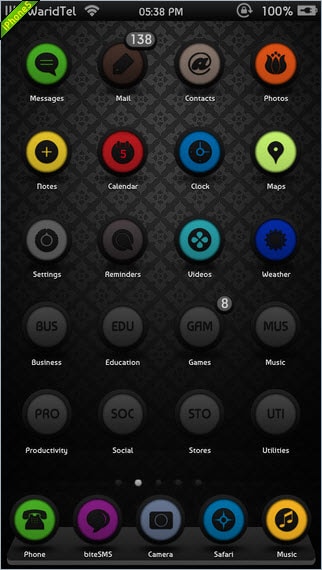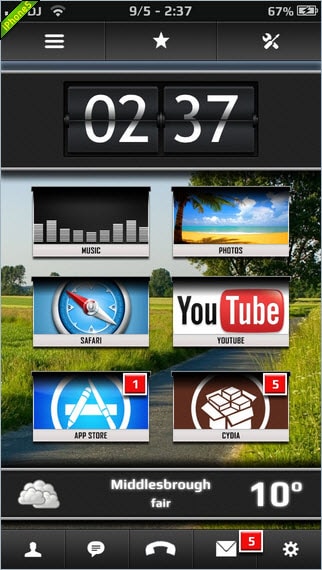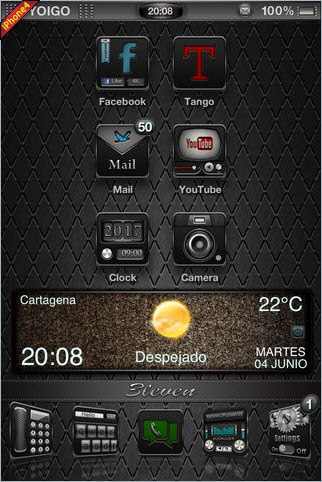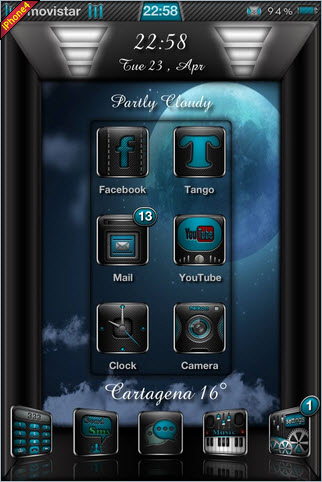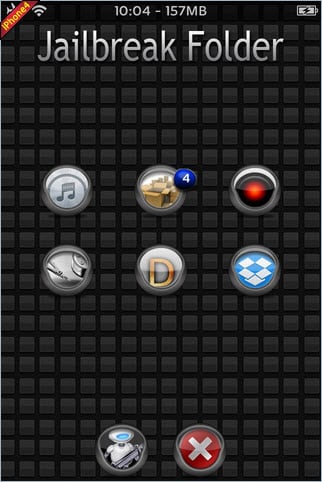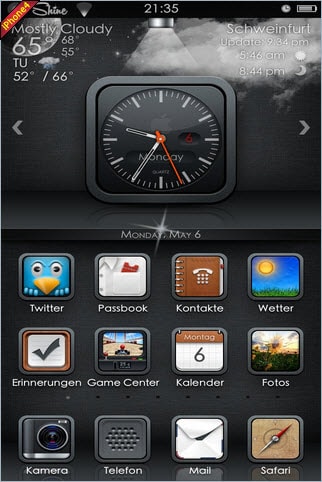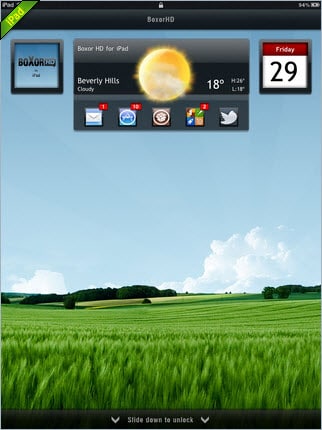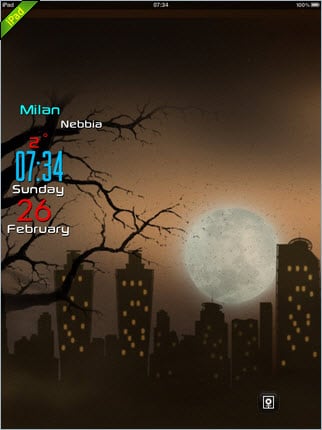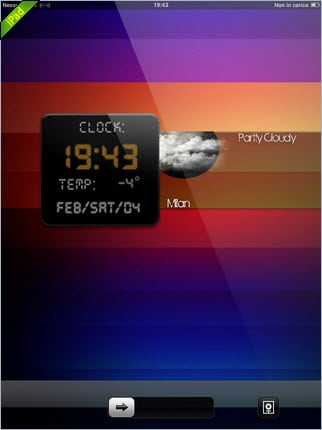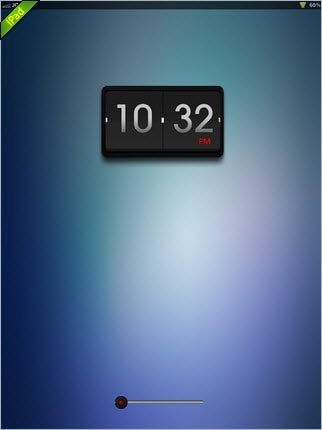

Discover how to download and install iPhone themes easily
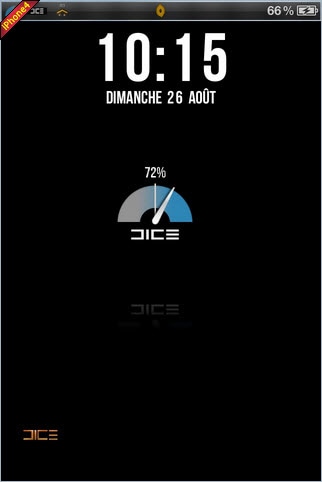
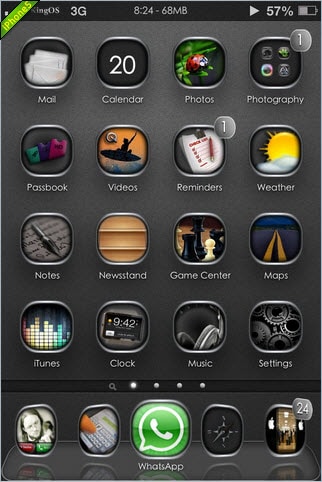
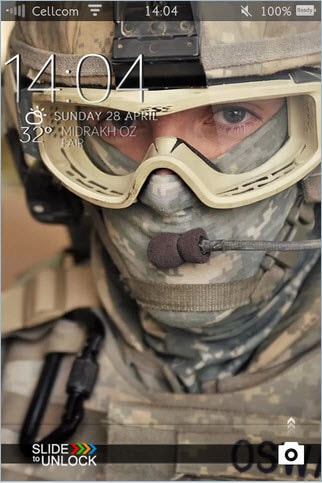
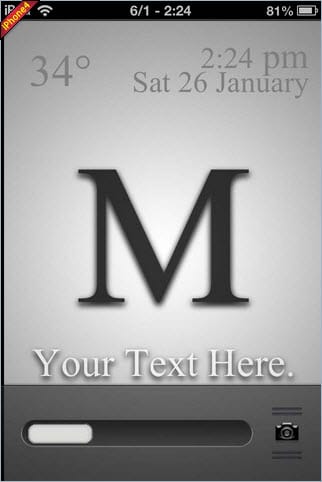
Want to install the best themes for your new iPhone 6 or iPhone 6 Plus? Well, this could be one of the biggest reasons why you jailbreak your iPhone. It is true that the original iPhone interface is too boring, which comes in a plain background with default icons. So, if you are also one of them who is crazy to install custom iPhone themes, then you come to a right place. Today we are here to discuss about how to download and install the custom iPhone themes. Hence, go through the rest of the article.
Jailbreak your iPhone to install themes
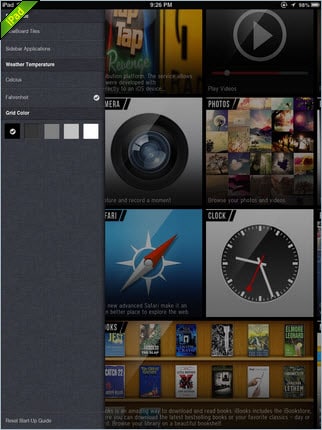
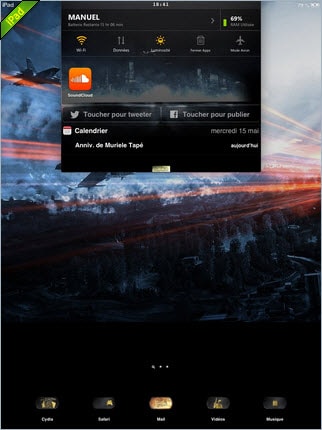
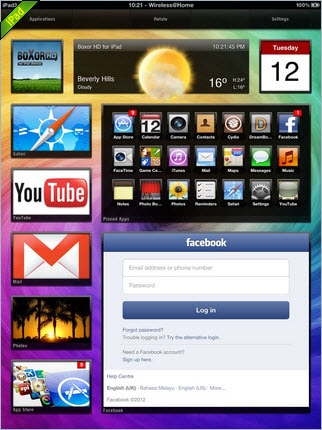
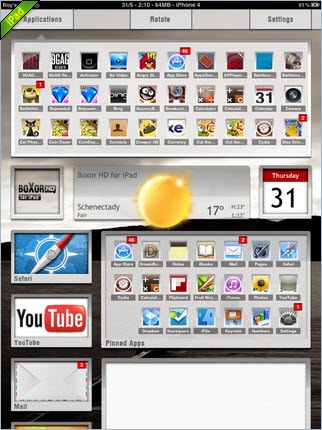
Before installing the iPhone theme, you need to jailbreak your iPhone as stated earlier. It is a quite simple process. Then, you need to launch the Cydia app available on the home screen. After completion of this process, search the winter board app and install it. Actually, it is a theme manager of iPhone. Thus, you can activate any themes with the assistance of winter board. However, you will get some normal and boring themes from winter board, but you can install some latest and fresh themes from our website and transfer it to your iPhone.
You can also download different themes for sounds, Video Wallpaper, Fonts, Lock Background, Icons, and much more. After you download your own theme according to your choice, you need to extract it with the help of software that can handle the ZIP and RAR files. So, first of all extract the .rar or .Zip files to the desktop and then transfer the theme which you have downloaded in the iPhone.
Note: You can't change your iPhone theme unless you jailbreak your iPhone. And if your iPhone isn't jailbroken one, you only are able to change your iPhone wallpaper, home screen and lock screen: Settings > Wallpaper > tap on the current theme > choose the target app > select the icon image you want to change to > Set > choose to set Lock Screen, Home Screen or Set both.
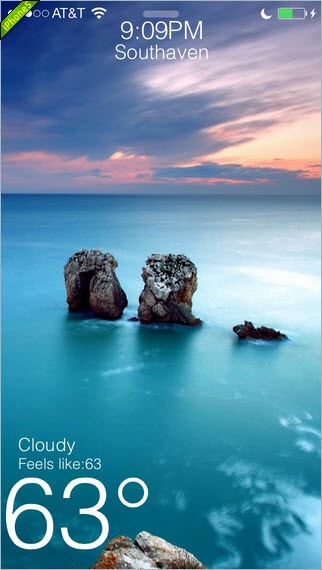
How to transfer iPhone themes
Now the question may arise that how to transfer it? Yes, there are two methods of transferring. The first method is to transfer the themes into your iPhone with the help of SSH. While the second method is by using the USB cables which is provided by the Apple. Both the methods are easier, but the second one is simpler. First, you need to download the software called iFunBox and then transfer the themes into the iPhone with the help of USB cables. Then copy the folder of themes and paste to the other one. Simply turn on your iPhone and launch the winter board. You can see your best iPhone themes, so activate any one of them, it will restart automatically and finally you see that your old theme gets changed with the new and interesting one.
Thus, in this way, you can make your iPhone much more interesting than others and can share with your friends too. Today, iPhone themes have become a great source of attraction for many people. With the help of our website, you can download as many iPhone themes you wish and every day you can give a new look to your iPhone as there are thousands of iPhone themes are available here for each and every age group which can also work on the iPod. Those who are true gadget lovers, custom iPhone Themes are ideal for them and most important thing, all of them are available at just a single click. So, what are you waiting for, give your mobile a new appearance every day.
Software Essentials for your iPhone 6 Plus, iPhone 6, iPhone 5s/5c/5, iPhone 4s/4, iPhone 3G(S), iPod:
- iPhone/iPod Music Transfer (Mac)
Advertisement - Record Unlimited Free Music on Mac