


Playlists are the quintessence of iTunes and the iPod's advanced playback features, and it can help you to add songs and set their order for better enjoyment. But what if you have built your iTunes playlist manually on your iPod (or iPhone) and want to copy Playlist from iPod to Mac without resetting, in other words, you'd like to copy playlist from iPod to iTunes Mac? Haha. That is the common situation Apple fans like to encounter.
To make it easy for you to transfer playlists from iPhone to iTunes or copy playlist from iPod touch to iTunes, Wondershare developed a professional Mac app - dr.fone , offering you a subtle way to do the task with unbelievable simple steps. Download the app and follow the steps to achieve your goal.
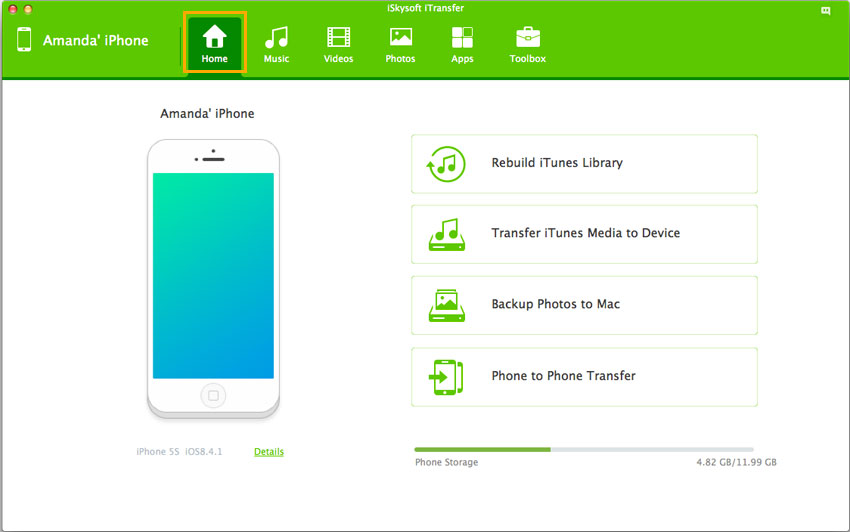
Step 1: Launch dr.fone for Mac and then connect iPod touch/iPhone to Mac
When you connect iPod touch (iPod touch 4 and iPod touch 5) and iPhone (up to iPhone 7/7 plus ) with Mac, dr.fone will organize them at the same time, making the process of copying iPod touch playlist to Mac as easy as ABC.This Mac app is designed smartly which clearly shows your device information in the main interface. Just as the image below.
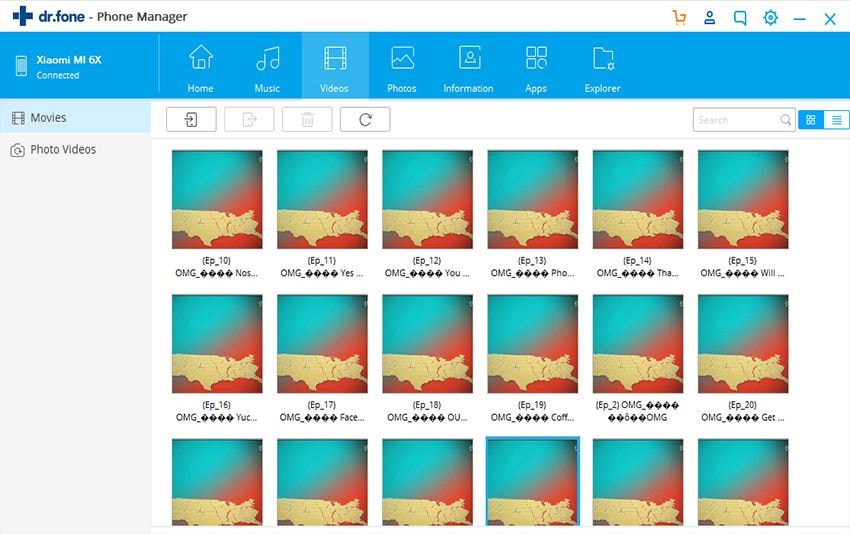
Step 2: Transfer iPod touch/iPhone playlist to Mac OS X
To sync your iPod touch playlist or iPhone playlist to Mac avoiding time consuming and doing repetitive tasks, you here only need to go to the "Music" menu, and right click the playlist listed in the left menus, and then select the "Export to" option to start transferring the files.
Besides the whole playlist, you also can transfer your favorite music, videos, photos, audio books, TV shows, and more to Mac and backup the whole iPod touch contents to Mac/ iTunes. Detailed information in the user guide of dr.fone for Mac.
Easy right ? If you like the way we offered to you, please share it with your intimate friends, your love, children and other family members. We hope we can bring Apple fans more fun in using iPod, iPhone, iPad and Macs running Mac OS X 10.9 Mavericks, Mountain Lion, etc.