

Is there an AVI file joiner that will do "batch" joining?
Most of the online AVI file joiner allows you to join videos in batch online for free. However, I still recommend you try the desktop video editing tool to merge AVI files, instead of the online tools. It's risky to use online tools unless you don't care about your privacy. Below are the 3 mostly widely used AVI joiner for Mac (macOS 10.13 High Sierra) I suggest you try. Choose the one that's right for you.
- Part 1: Join AVI movies in Filmora Video Editor
- Part 2: Merge AVI with VirtualDub
- Part 3: Combine AVI in Windows Movie Maker
Part 1: Join AVI videos in Filmora Video Editor
No matter you need to merge AVI videos on Mac or Windows PC, Filmora Video Editor for Mac (or Filmora Video Editor for Windows) allows you to merge AVI files on Mac (macOS 10.13 included) easily. AVI, as well as other video formats and photos are fully supported. While you join AVI videos with this AVI joiner, you can import some photos, joining them to the videos. Besides, there are multiple transitions and intro/credit available for you to put them to the AVI videos, making it look naturally for the scene shifts.
Guide to combine avi files into one with Filmora Video Editor
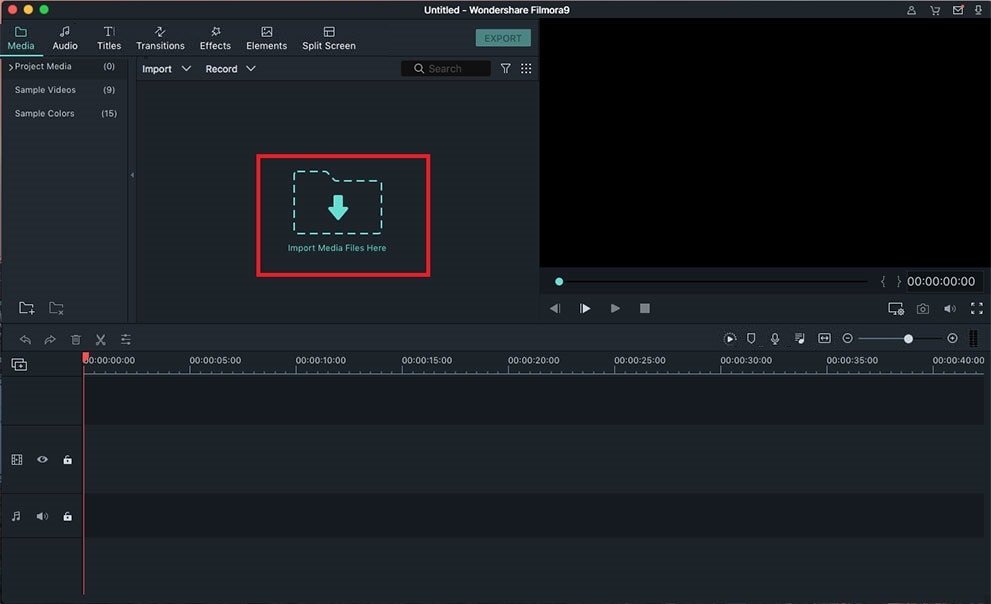
Step 1. Import AVI Videos to the Program
Import your AVI videos to this program first by clicking the button "Import Media" or directly dragging and dropping the AVI files to the program.
Step 2. Add AVI Video to the Timeline
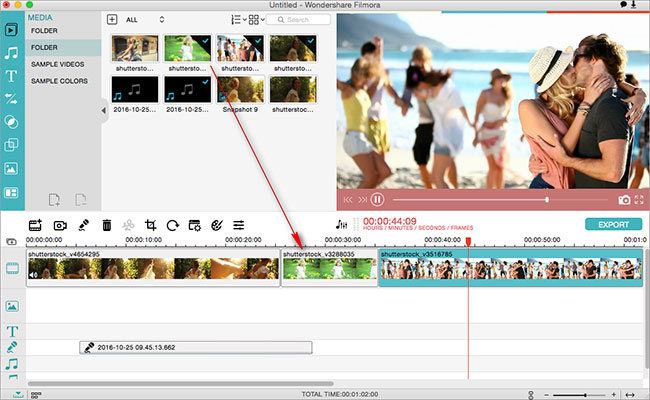
Drag and then drop the AVI video files to the timeline one by one or in a batch. Now you are able to adjust their order as you want.
Step 3. Combine AVI Videos
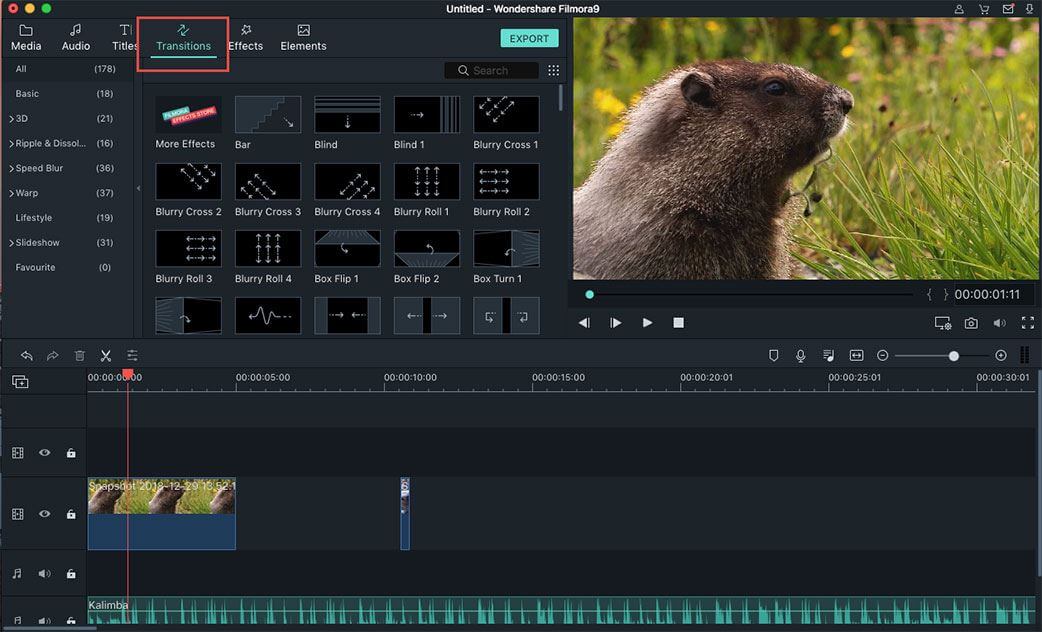
If you want to make the change from one AVI video to another more artistic, you can insert animated transitions between them.
Step 4. Export the Combined AVI Video
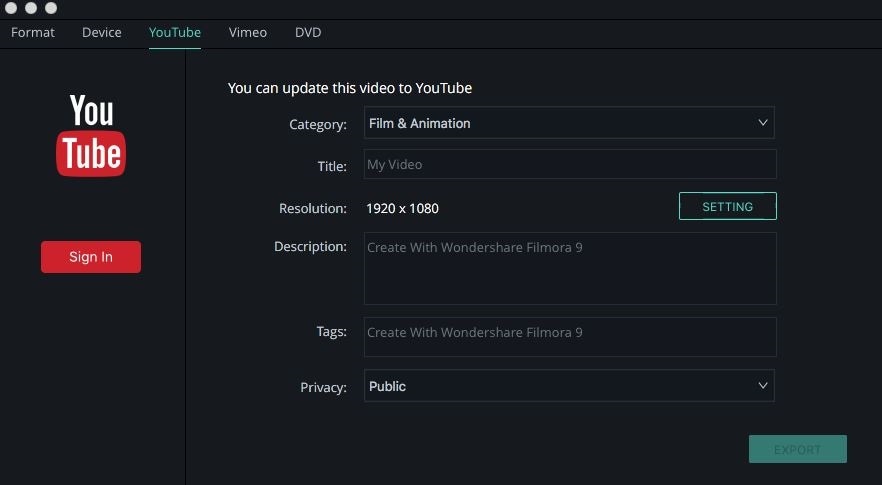
Click the "Export" icon, it will pop up a window. Then you can change the name and select the output location for your video. And it supports to be exported in any video format as well. By hitting the "Create" button, you will get the merged AVI video within seconds.
Why Choose Filmora Video Editor:
- Supports all the popular video, audio and image formats such as MP4, AVI, WMV, MP3, JPG, etc.
- Has all the video editing tools including splitting, trimming, cropping, rotating and combing, etc.
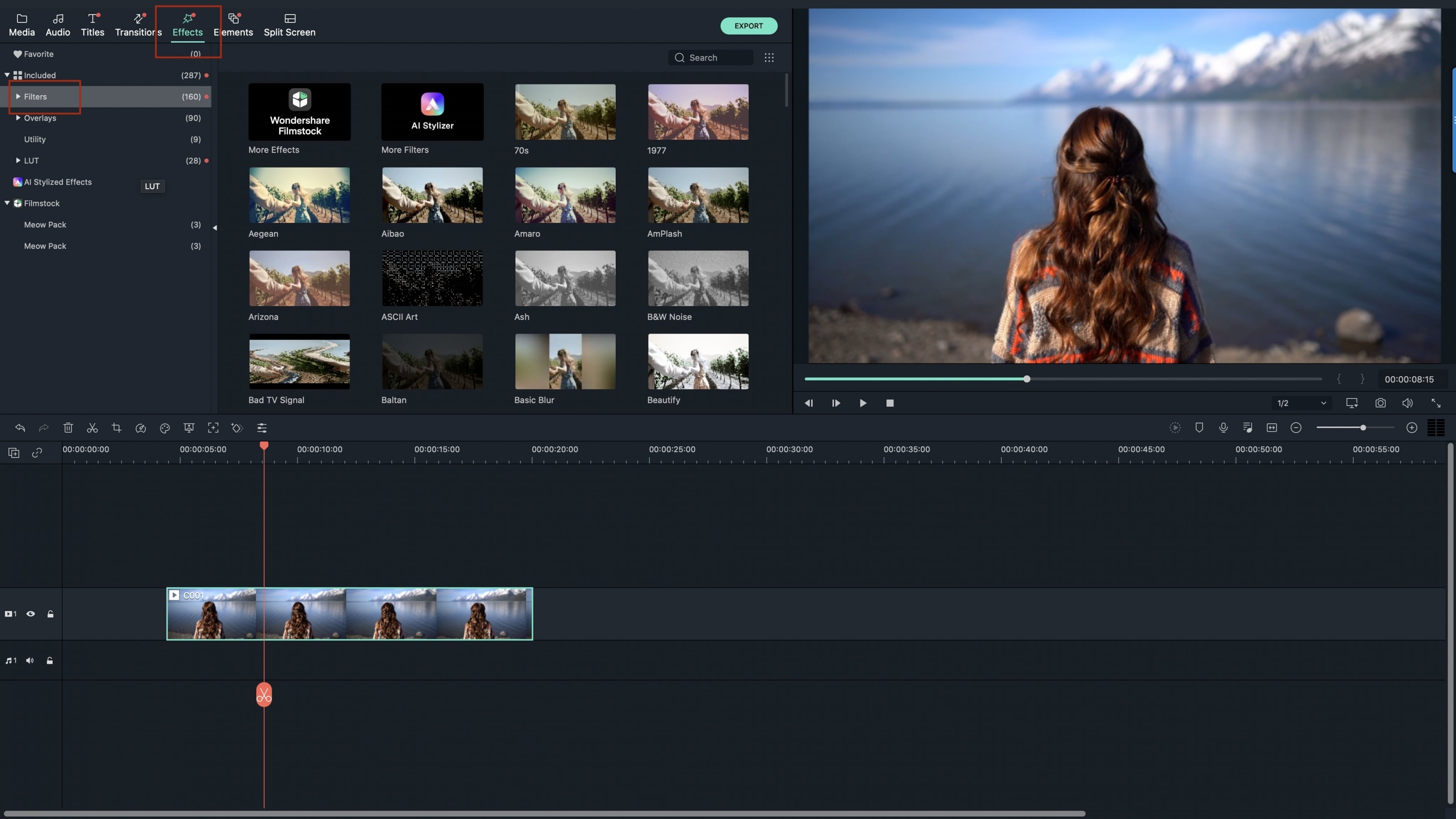
- Provides amazing special effects like filters, motion graphics, titles, transitions, and overlays.
- Provides advanced editing tools: green screen, face off, pip, animated titles, etc.
Part 2: Merge AVI with VirtualDub
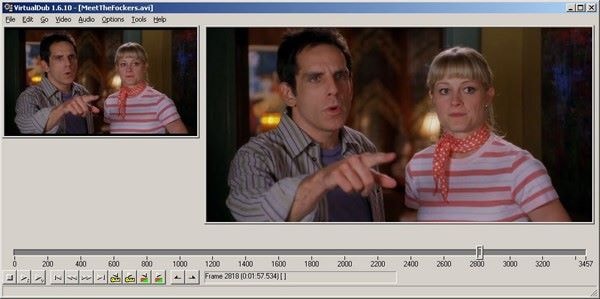
VirtualDub is one of the best software programs available for merging AVI files. It comes with a lot of flexibility so you will have an easy time editing your video files in whatever way you feel like. If it’s capturing screenshots, merging, splitting or making adjustments to the video, VirtualDub will be the right answer to all those queries.
- Launch the program and then proceed to "file" and then click on "open video file".
- After that, upload your first file and go to "file" then "append AVI segment". You can then have the second file uploaded to the program but you can have as many files as possible by following the same procedure.
- With all files imported, go to "video" then "direct stream copy" and the process will be very fast.
- With all files imported, go to "video" then "direct stream copy" and the process will be very fast.
- Lastly, proceed to check "file" and then "save segmented AVI" and your project will be stored.
Part 3: Combine AVI in Windows Movie Maker
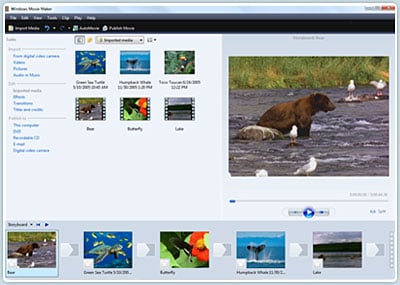
Windows Movie Maker will never frustrate you when seeking to combine more than one AVI files. It allows users to among other things import videos together with slideshows for editing, add a theme and even share edited videos. If you have an accompanying audio file, you can add it using this program and edit.
- Add files- this is the initial step and a simple drag and drop will be useful anytime. The files should be arranged properly and you can add one at time or as a batch.
- If there is any editing or improvements you desire for your videos, they should be done prior to merging. All this will be done on the timeline then combine avi files into one.
- From the command bar, go to "file" then "save as" to store your merged video file.